Bootstrap 5 Based

Descargar Samfw Tool 5 Chromebook | [updated]

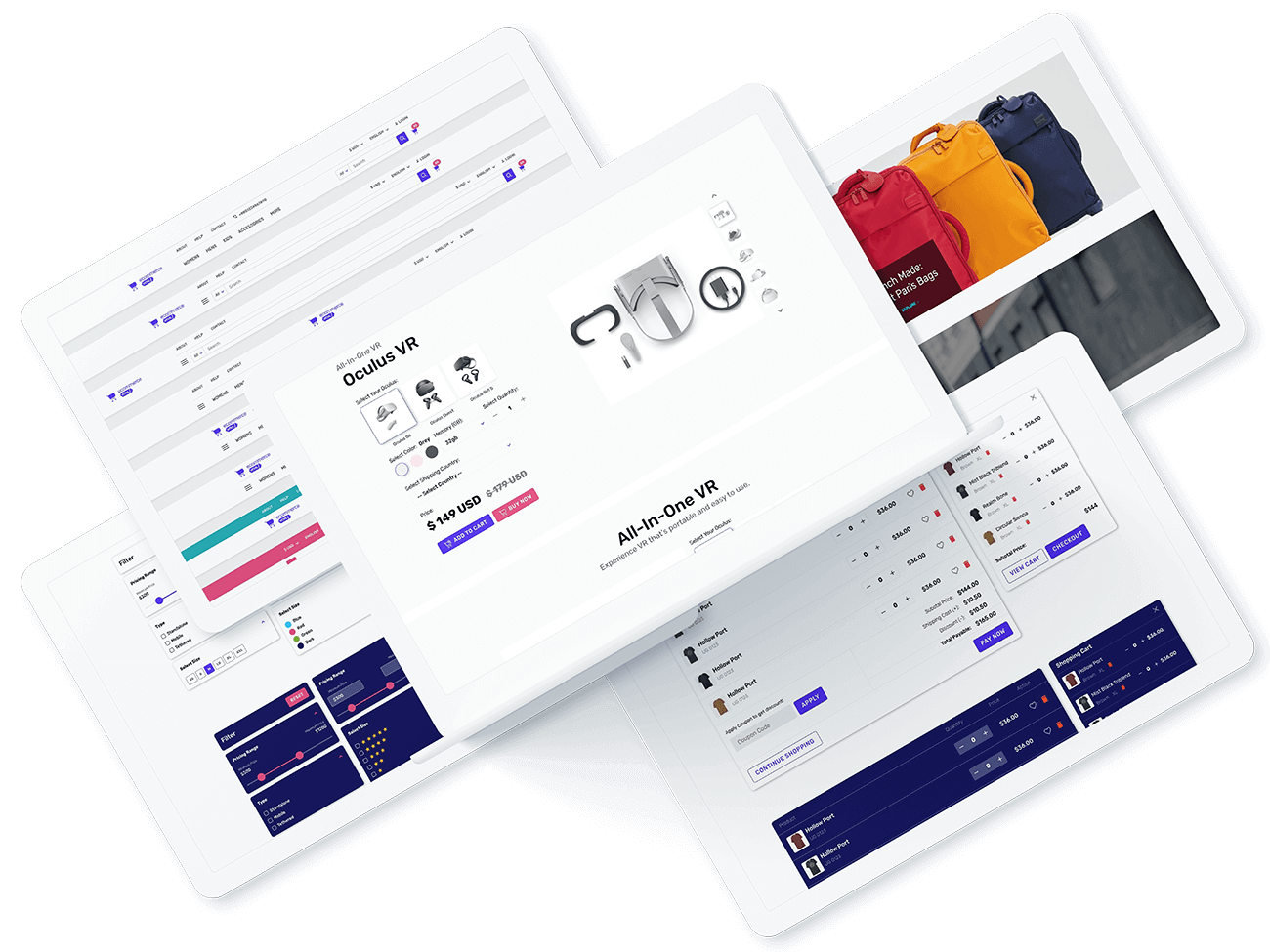
eCommerce Focused HTML UI Kit for Pretty Much any Kind of eCommerce Web Projects. Rapidly and Easily Build eCommerce User-Interface Using Ready to Use 300+ UI elements, 120+ Sections, and Multiple HTML Templates.

descargar samfw tool 5 chromebook
Components
Sections
Example Pages
Ready Templates
descargar samfw tool 5 chromebook

Asegúrate de tener los últimos controladores USB de Samsung instalados. Cómo usar SamFw Tool 5 para FRP (Paso a Paso)

Una vez instalado Wine, busca el nombre exacto del archivo ejecutable que descargaste en el Paso 1 (por ejemplo, SamFwTool_v5.4.exe ). Ejecútalo desde la consola digitando: wine SamFwTool_v5.4.exe Use code with caution.

You must turn on the Linux container in your ChromeOS settings.

This public link is valid for 7 days and shares a thread, including any personal information you added. This link or copies made by others cannot be deleted. If you share with third parties, their policies apply. Can’t copy the link right now. Try again later.

: El paso de firmwares de muchos Gigabytes puede sufrir desconexiones por la virtualización USB.

Usa Chrome Remote Desktop para conectarte a una PC Windows remota que tenga SAMFW Tool instalado. Controlas la herramienta desde tu Chromebook como si estuviera local. Sin emuladores, sin drivers.

Since the tool is a .exe file designed for Windows, you have two primary methods to use it on a Chromebook:

Because the SamFw tool requires a deep connection to your phone's USB drivers, the most reliable and hassle-free method is to borrow a Windows computer.

Al momento de conectarlo, emergerá una notificación nativa de ChromeOS preguntándote: . Haz clic firmemente en Sí / Permitir .

Muchos procesos de FRP se pueden hacer manualmente en la terminal de Linux sin la interfaz de SamFw.

Descargar SamFw Tool 5 en Chromebook: Guía Completa de Instalación y Uso

Entrar en modo Download o Recovery con un clic.

Esto funciona 100% en Chromebook porque es . No necesitas Linux ni Wine. El único inconveniente es que no tiene todas las funciones offline (como flashear firmware).

Desbloquea cuentas de Google en un solo clic mediante el modo de prueba ( #0 #).

Easily remove Factory Reset Protection locks on modern Samsung devices.
Descargar Samfw Tool 5 Chromebook | [updated]

Asegúrate de tener los últimos controladores USB de Samsung instalados. Cómo usar SamFw Tool 5 para FRP (Paso a Paso)

Una vez instalado Wine, busca el nombre exacto del archivo ejecutable que descargaste en el Paso 1 (por ejemplo, SamFwTool_v5.4.exe ). Ejecútalo desde la consola digitando: wine SamFwTool_v5.4.exe Use code with caution.

You must turn on the Linux container in your ChromeOS settings.

This public link is valid for 7 days and shares a thread, including any personal information you added. This link or copies made by others cannot be deleted. If you share with third parties, their policies apply. Can’t copy the link right now. Try again later.

: El paso de firmwares de muchos Gigabytes puede sufrir desconexiones por la virtualización USB.

Usa Chrome Remote Desktop para conectarte a una PC Windows remota que tenga SAMFW Tool instalado. Controlas la herramienta desde tu Chromebook como si estuviera local. Sin emuladores, sin drivers.

Since the tool is a .exe file designed for Windows, you have two primary methods to use it on a Chromebook:

Because the SamFw tool requires a deep connection to your phone's USB drivers, the most reliable and hassle-free method is to borrow a Windows computer.

Al momento de conectarlo, emergerá una notificación nativa de ChromeOS preguntándote: . Haz clic firmemente en Sí / Permitir .

Muchos procesos de FRP se pueden hacer manualmente en la terminal de Linux sin la interfaz de SamFw.

Descargar SamFw Tool 5 en Chromebook: Guía Completa de Instalación y Uso

Entrar en modo Download o Recovery con un clic.

Esto funciona 100% en Chromebook porque es . No necesitas Linux ni Wine. El único inconveniente es que no tiene todas las funciones offline (como flashear firmware).

Desbloquea cuentas de Google en un solo clic mediante el modo de prueba ( #0 #).

Easily remove Factory Reset Protection locks on modern Samsung devices.

descargar samfw tool 5 chromebook

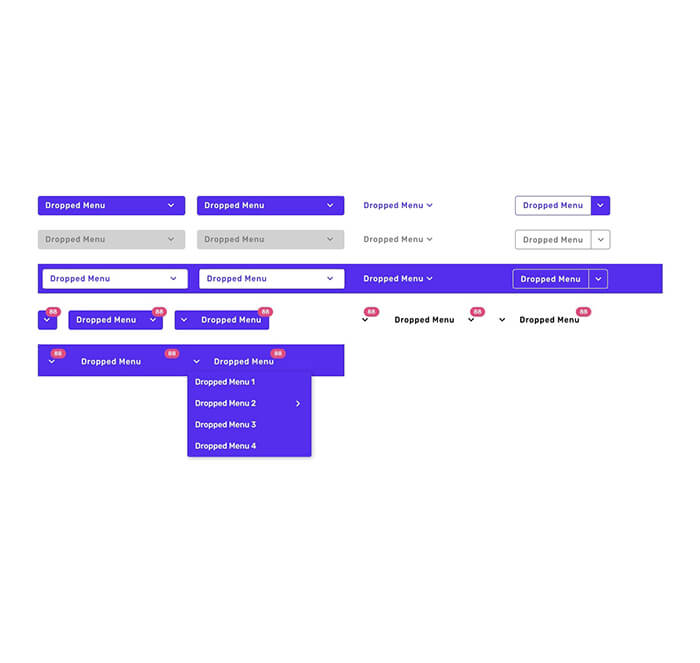
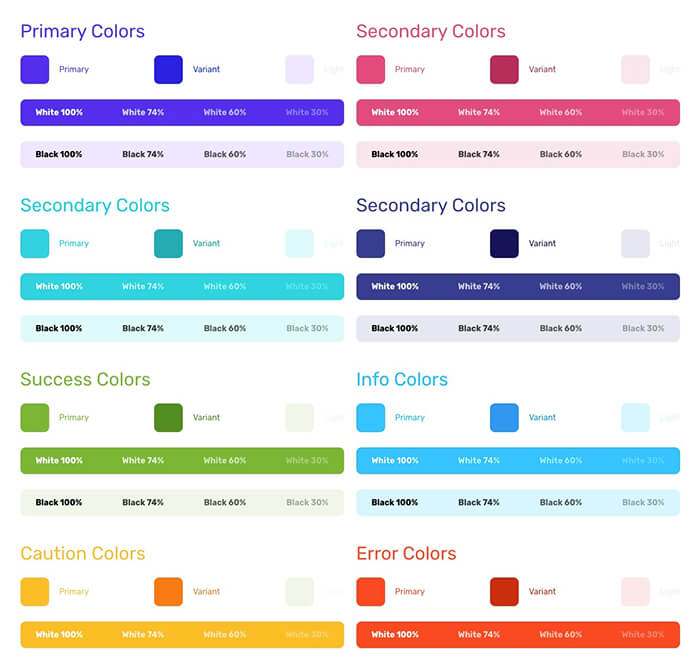
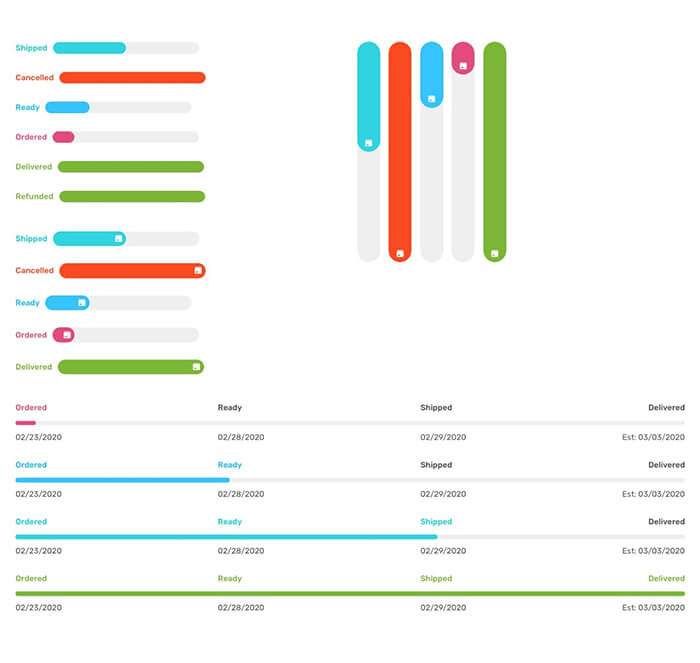
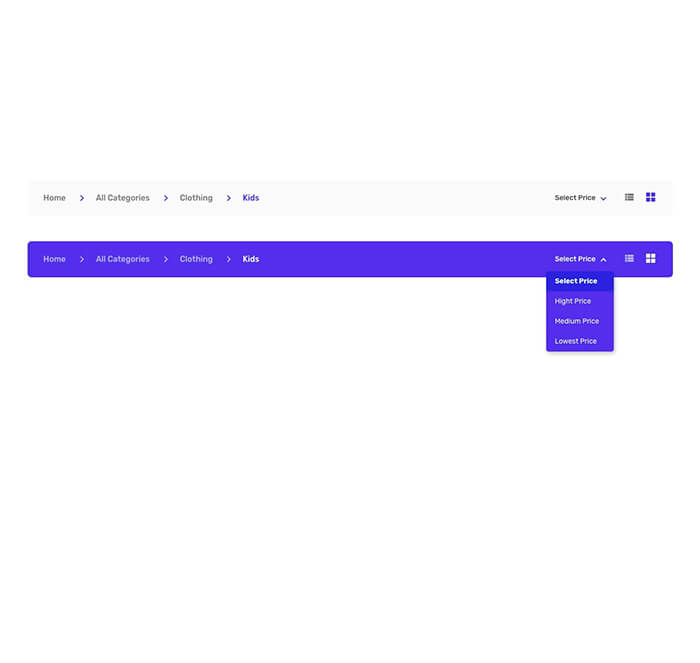
UI Kit Elements

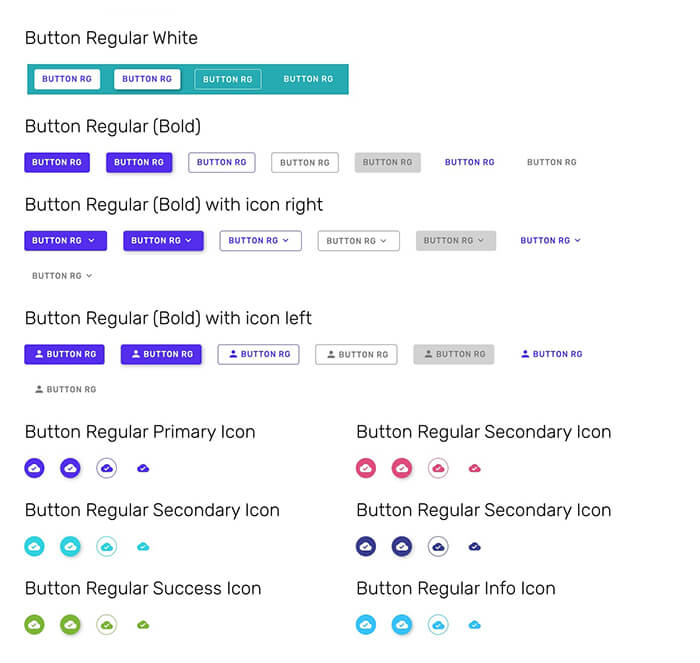
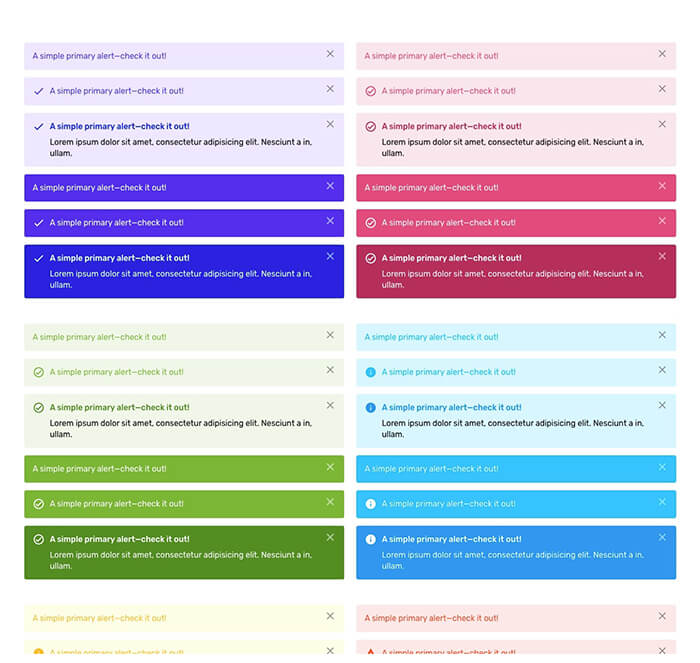
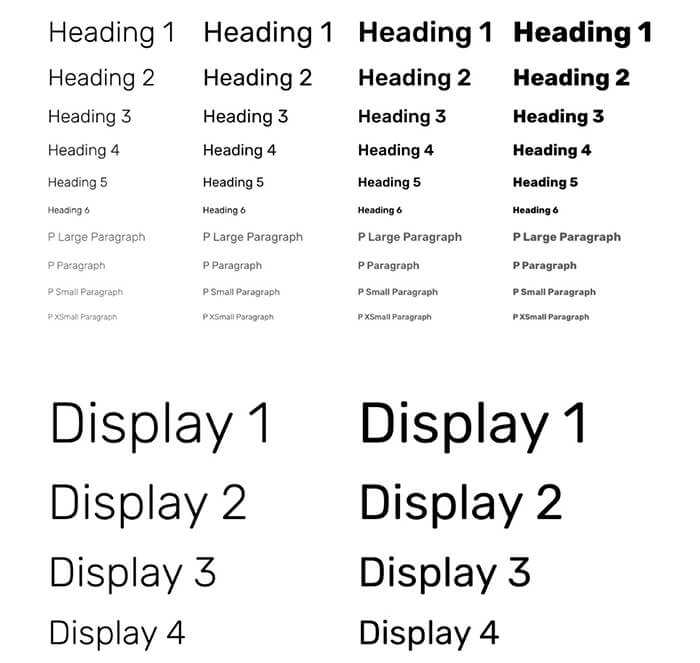
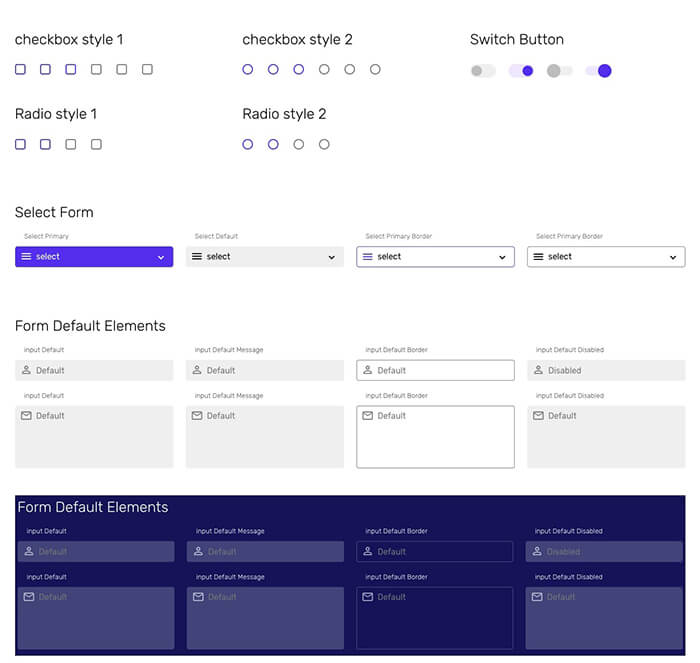
To define essential style guidelines, from typography to buttons to alerts.

Co-created by

descargar samfw tool 5 chromebook

Purchase Options

Choose the best plan depending on your requirement, all plans are one-time payment. No renewals!

descargar samfw tool 5 chromebook
Starter
$29 $220

Single Seat - 03 Projects

  • 120+ eCommerce HTML Sections
  • 300+ UI Elements
  • Commercial Use License
  • Email Support
  • Rich Documentation
  • SCSS and CSS Files
  • Free Future Updates
  • All Pages, Sections and Features
  • 9 Example Templates
  • One-time payment, No Renewals
  • Design Source File (Figma)
  • Create and Distribute SaaS End Product
descargar samfw tool 5 chromebook
Agency
$59 $880

03 Seats - 10 Projects

  • 120+ eCommerce HTML Sections
  • 300+ UI Elements
  • Commercial Use License
  • Email Support
  • Rich Documentation
  • SCSS and CSS Files
  • Free Future Updates
  • All Pages, Sections and Features
  • 9 Example Templates
  • One-time payment, No Renewals
  • Design Source File (Figma)
  • Create and Distribute SaaS End Product
descargar samfw tool 5 chromebook
Extended
$990

Unlimited Seats - Unlimited Projects

  • 120+ eCommerce HTML Sections
  • 300+ UI Elements
  • Commercial Use License
  • Email Support
  • Rich Documentation
  • SCSS and CSS Files
  • Free Future Updates
  • All Pages, Sections and Features
  • 9 Example Templates
  • One-time payment, No Renewals
  • Design Source File (Figma)
  • Create and Distribute SaaS End Product
secure payments

Frequently Asked Questions

Answered all your Frequently Asked Questions, still confused? feel free to open a support ticket, our team will get back to you ASAP.

Yes. eCommerce HTML purchase is one-time payment. No recurring payment or yearly renewals, pay one-time use for lifetime.
Yes. Support is provided to all our customers. Please open a support ticket by describing your issue, we will get back to you as soon as we can.
Yes. Future updates are absolutely free. You will be notified by email if any update available to download.
Yes. You can use eCommerce HTML with commercial project and also charge your client for your work. Of course depending on your license type.
Yes. Code is well explained with comments still we provide getting started guide as documentation.
Starter: If you are individual or freelancer going to use with 1-3 projects, Starter (single user license) is enough for you.

Agency: If you are a business/agency owner or developer who may use with multiple projects and up to 3 developers will access account/files/assets and develop up to 10 projects, you need Agency license (3 Users License - 10 Projects).

Extended: If you are building a SaaS product using eCommerce HTML that might be used by unknown/unlimited number of users to build unknown/unlimited sites/UI, and redistribute the end SaaS product you have to purchase extended license.