Extract the backup archive (it may require removing a proprietary header). Locate the ZKConfig.cfg or Config.cfg file.
: If all else fails, reaching out to the device's manufacturer support team can provide the necessary information. They can guide you through the process of resetting or retrieving the default password.
On these devices, network services like Telnet are often left enabled or running in the background to allow factory diagnostics, firmware updates, and integration with automated SDKs (such as the ZKOnline or standalone Pull SDK). However, because the ZMM220 platform has been adapted into hundreds of different physical device models across several generations of firmware, there is no single universal "factory default" password. Instead, the credentials depend heavily on the specific firmware compilation, the OEM distributor, and the manufacturing date. The Reality of the ZMM220 Default Telnet Password
For developers and security researchers, there are legitimate ways to interact with the ZMM220 besides the official software. The Python library is designed as a driver for ZKTeco biometric machines, with specific support for models like the ZMM220_TFT . This library allows for programmatic interaction with the device for tasks such as data extraction and integration into custom applications. zmm220 default telnet password
Use the web interface to download the device's backup/configuration file (often named ZKConfig.cfg or similar). Inspect File: Open the file in a text editor and search for the string . The value following it is typically your telnet password. Important Ports Telnet Port: 23 (Default) or in some Linux-based MIPS firmware. SDK/Proprietary Port:
Attackers can download the internal SQLite databases containing user fingerprint templates and facial hashes.
The screen blinked, displaying a stark greeting: Welcome to Linux (ZMM220) for MIPS Kernel . It was a common sight for those working with ZKTeco hardware platforms , where the ZMM220 kernel powered various fingerprint and access control devices. Extract the backup archive (it may require removing
Research and empirical testing confirm that the ZMM220 platform ships with a default Telnet daemon enabled. The standard credentials are often one of the following combinations:
When establishing a remote terminal connection to a ZMM220 device, the login interface typically prompts you with a Linux kernel banner (e.g., Welcome to Linux (ZMM220) for MIPS Kernel 3.0.8 ). Security researchers and network administrators have compiled several credential profiles that work out of the box across various firmware versions: root | Password: colorkey Username: root | Password: solokey Username: root | Password: swsbzkgn Username: admin | Password: admin Username: manage | Password: 888
If accessing the device's web UI, the default is often admin / admin or administrator / 123456 . They can guide you through the process of
The password, however, is dynamic. It is based on a challenge-response mechanism or a hardware-specific calculation tied to the current date or the device's internal serial number. Common Standard Defaults
Are you looking to from this device, or are you troubleshooting a connection issue ? "MIPS" Pentesting - Google Groups
Leo knew the default IP address was 192.168.1.201, and as he fired up his terminal, he saw the invitation he needed: He initiated the connection: telnet 192.168.1.201 .

Scan looks at us

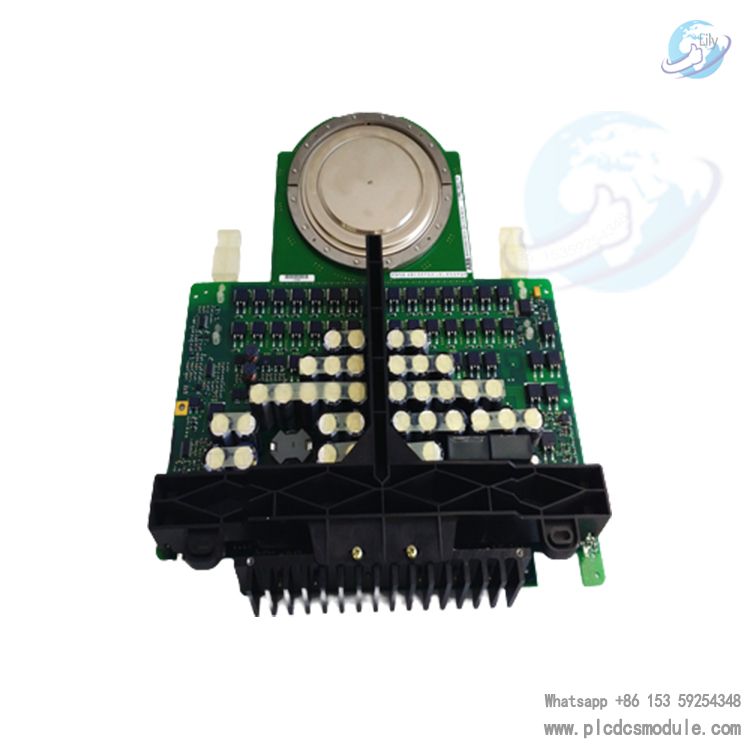
ABB 5SHY3545L0009 3BHB013085R0001 Thyristor Module
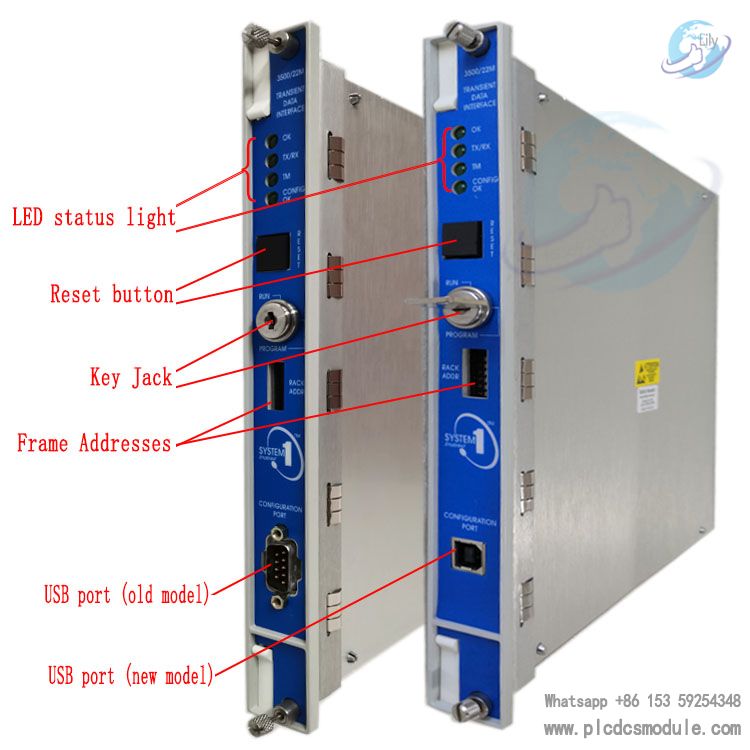
BENTLY NEVADA 3500/22M Transient Data Interface Module 3500/
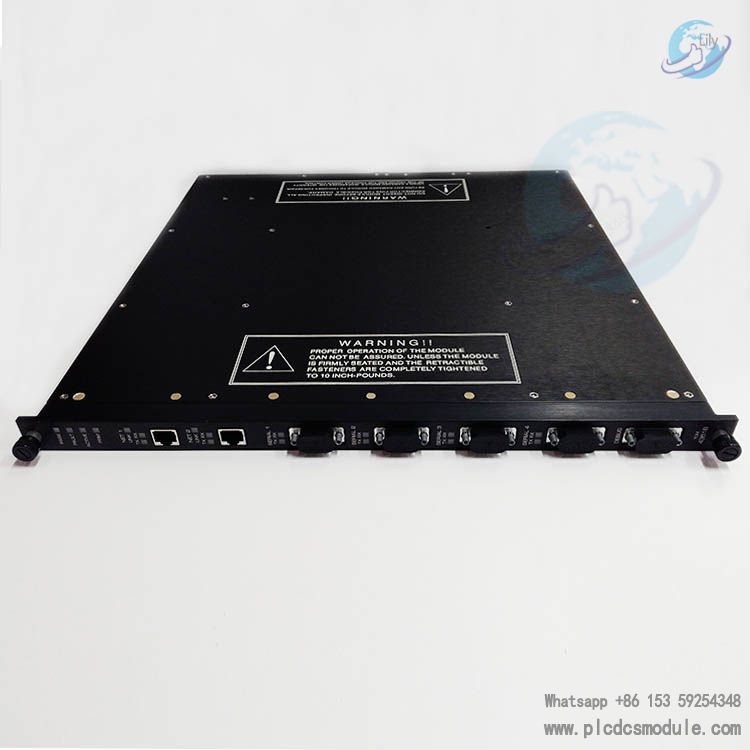
Triconex 4351B Tricon Communication Module (TCM) Tricon 4351
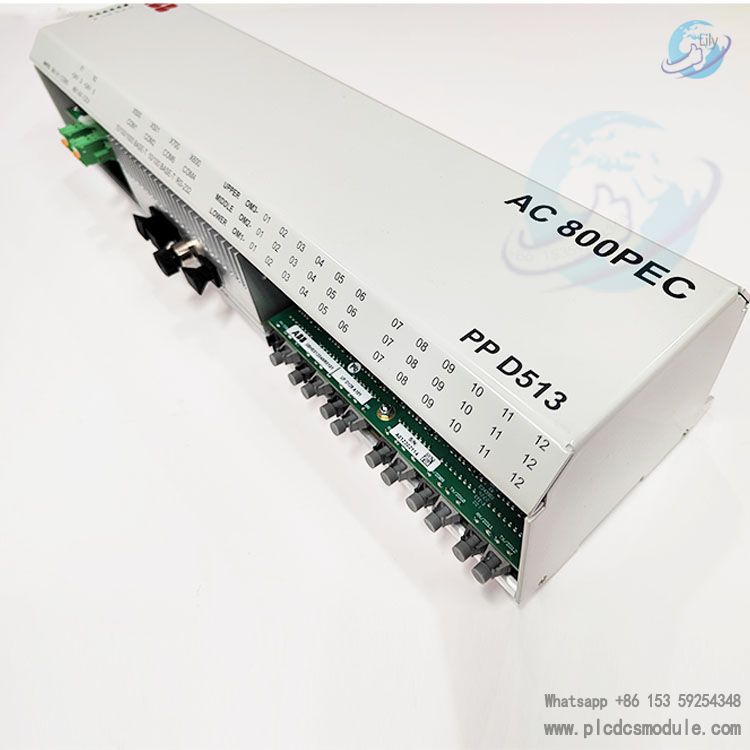
ABB PPD513AOC-100440 | 3BHE039724R0C3D | AC 800PEC | excitat


 3005319639