



































New Update Live
Construction Simulator

Game Information

GET TO WORK.

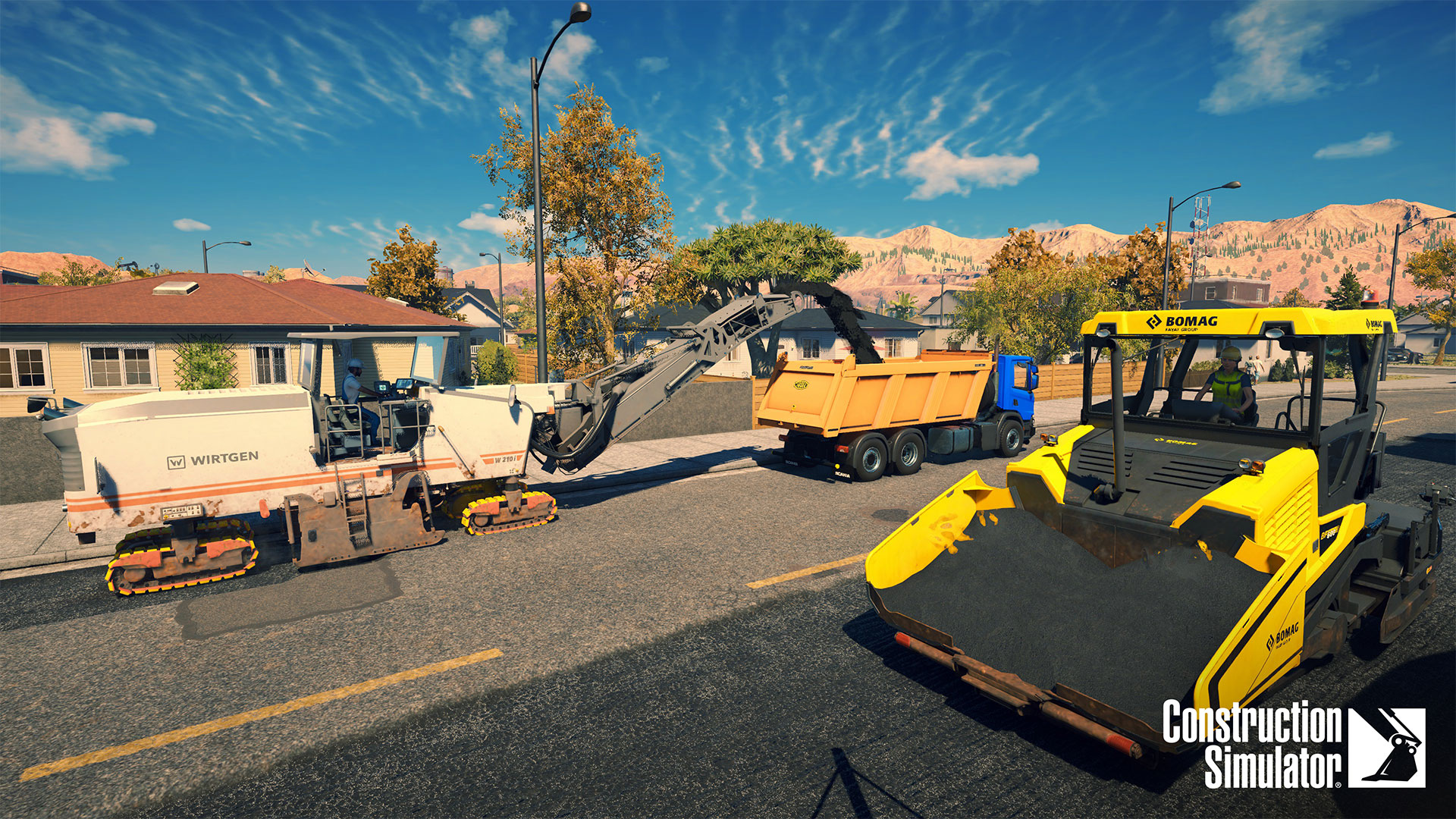
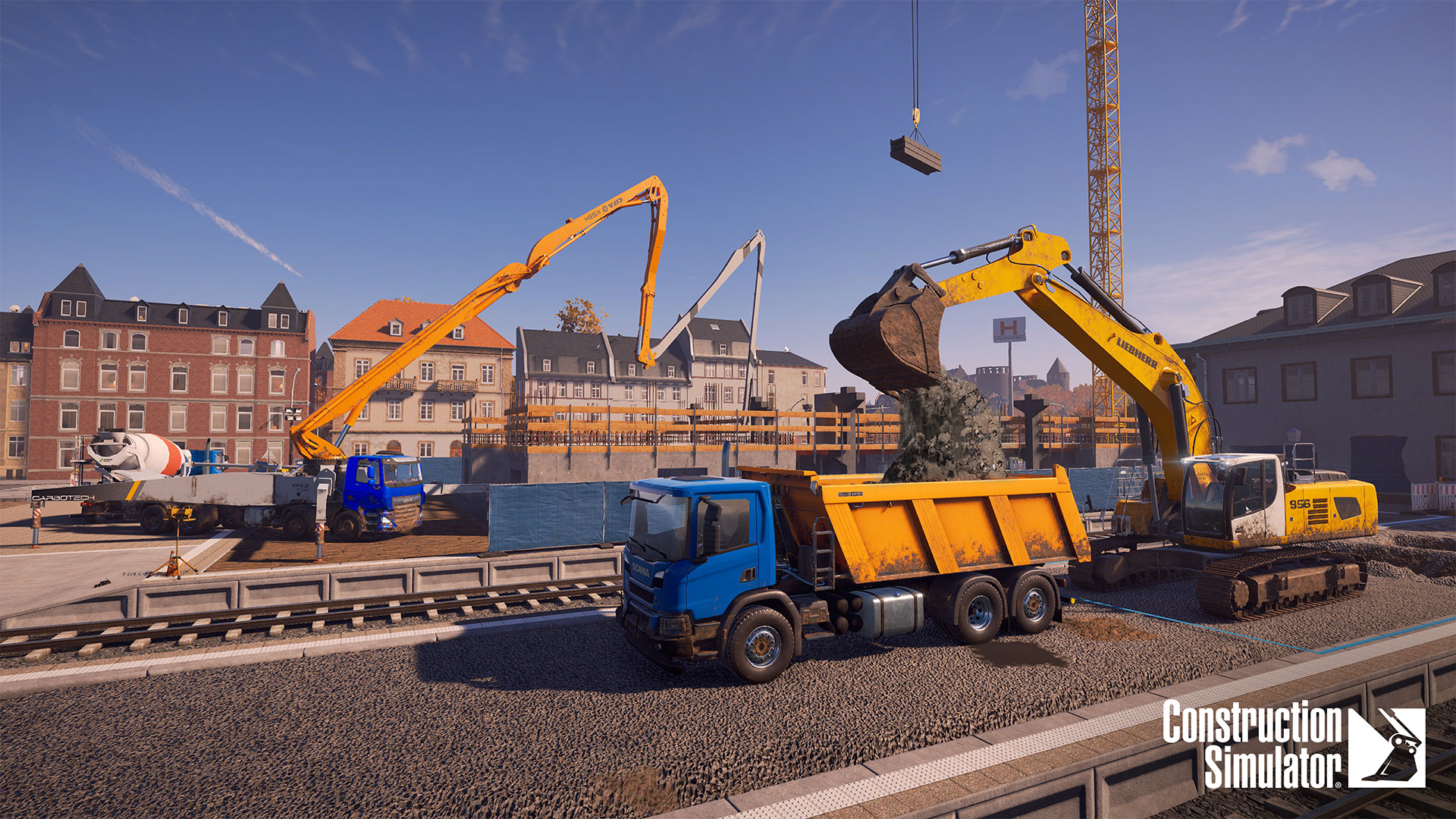
Construction Simulator is back – Bigger and better than ever! Get back to work with a vehicle fleet whose size will knock your socks off. Beyond brands like Caterpillar, CASE and BELL that are already familiar in the Construction Simulator series, you can get behind the wheel of new licensed machines from partners like DAF and Doosan – over 70 in total.

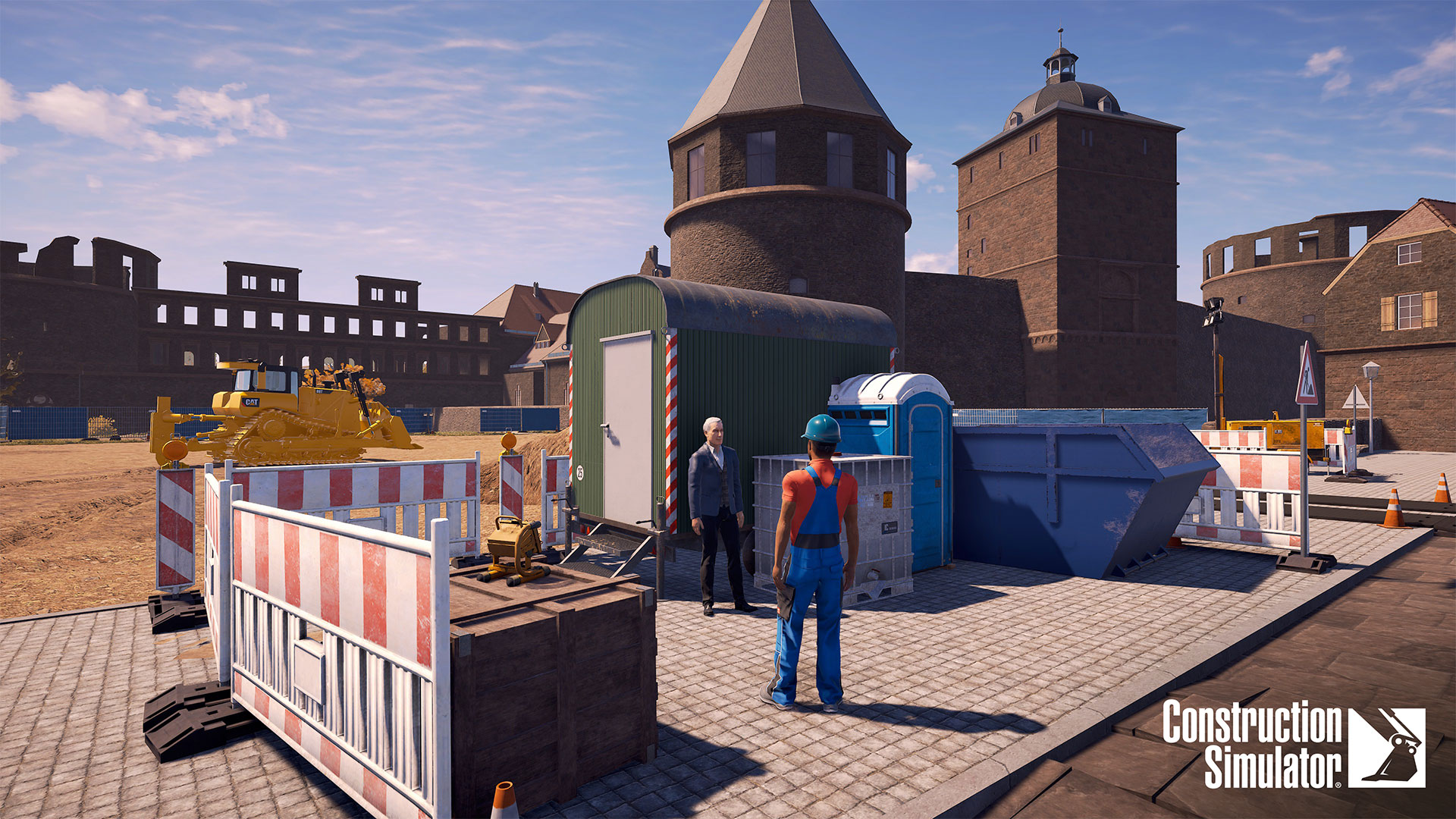
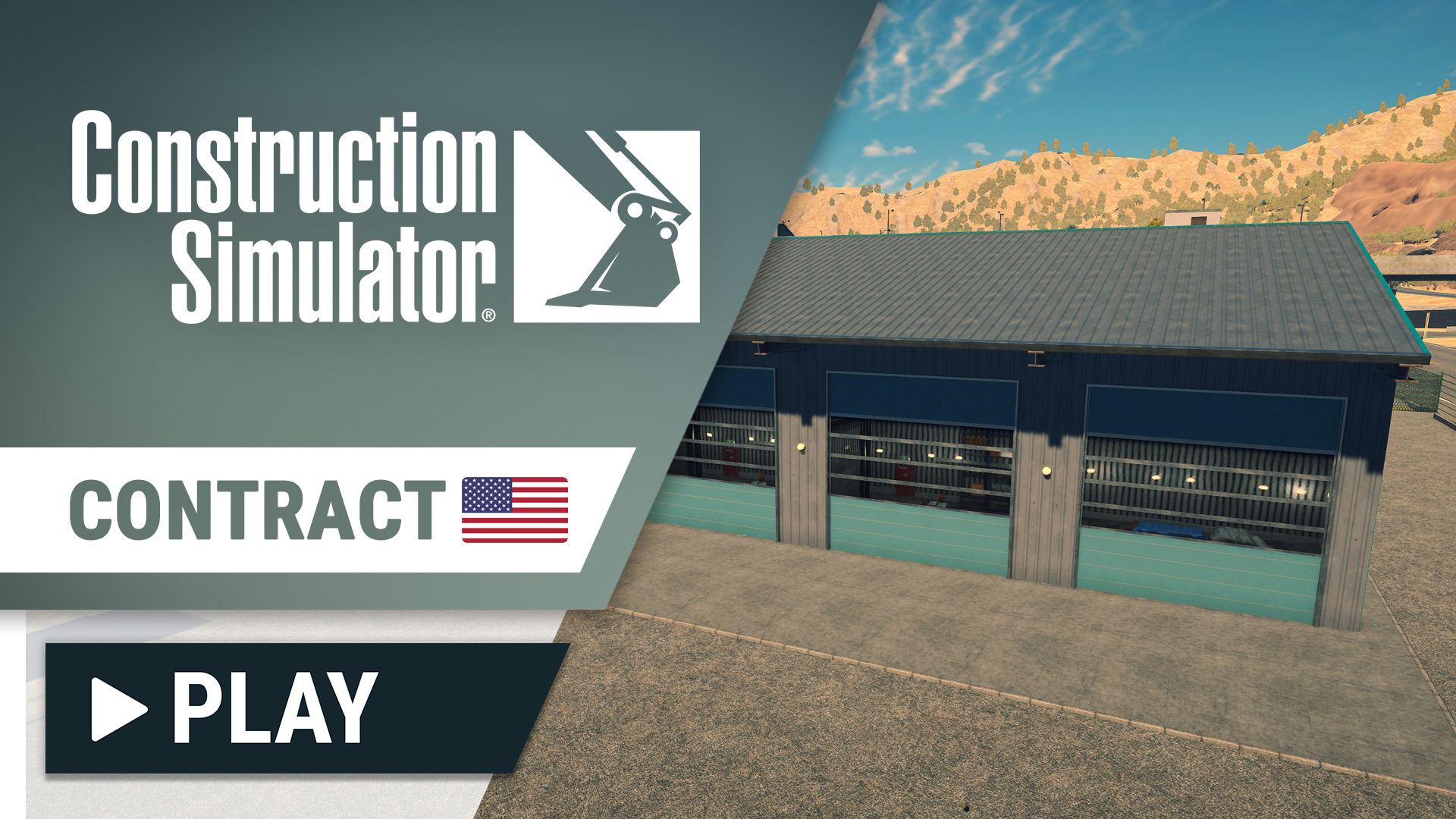
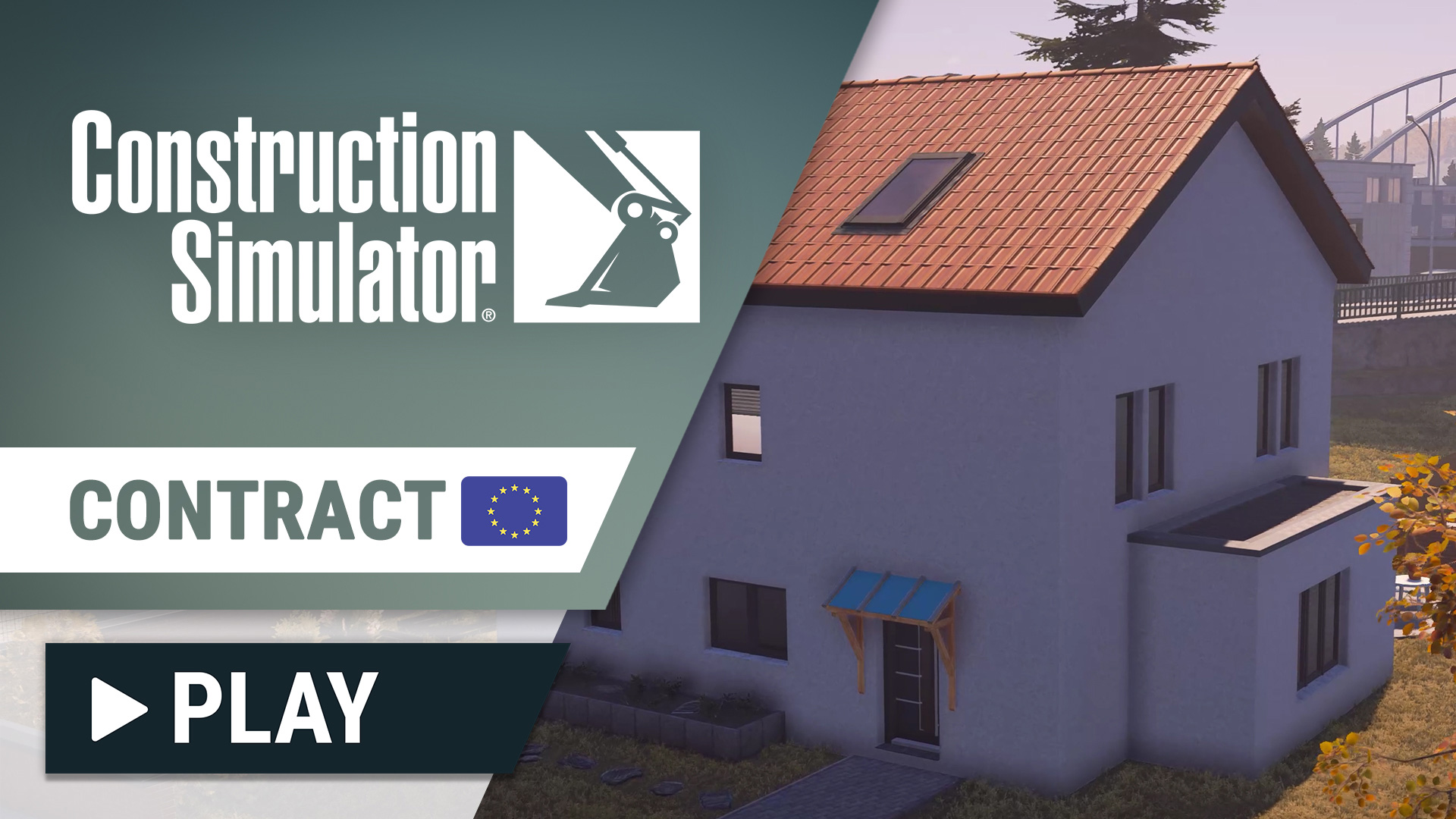
Build to your heart’s content on two maps, inspired by landscapes in the USA and Germany. Experience campaigns unique to the individual settings, featuring special challenges that you need to overcome with your growing construction company. Build it from the ground up with your mentor Hape and expand your fleet to take on more challenging contracts.

Of course, players can look forward to familiar brands and machines from previous installments of the franchise. All these officially licensed partners come with familiar machines and new ones – sporting improved looks: Atlas, BELL, Bobcat, Bomag, CASE, Caterpillar©, Kenworth, Liebherr, MAN, Mack Trucks, Meiller-Kipper, Palfinger, Still, and the Wirtgen Group.

Not only can players enjoy known license partners, but new ones that we’re proud to present. Nine new brands introduce lots of machines and vehicles and even include officially licensed personal protection equipment for your character!

Look forward to over 80 machines from these license partners, all highly detailed to faithfully recreate their real-life counterparts. Not only can you grow your own construction empire, you can also invite your friends to join you. Coordinate and build together to finish contracts even more efficiently!

Features

  • 80+ machines, vehicles and attachments
  • One map inspired by the USA called Sunny Haven
  • Another map inspired by Germany named Friedenberg
  • Each of the two maps comes with its own campaign
  • Challenge yourself with over 90 contracts including road and bridge construction
  • 9 new license partner such as Doosan, DAF und Cifa
  • 25 world-famous brands in total
  • Licensed workwear from Strauss for the first time in the series
  • Dynamic day and night cycle
  • Improved vehicle and earthmoving system
  • Cooperative multiplayer for up to 4 players
  • Cross-Gen multiplayer on consoles
  • Smart Delivery on Xbox consoles and Free Upgrade from PS4 to PS5
  • Supports DualSense features on PlayStation®5
Screenshot Screenshot Screenshot Screenshot Screenshot Screenshot Screenshot Screenshot

Trailer

Atlas Bell Bobcat Bomag Cifa Case Cat DAF Doosan Kenworth Liebherr Mack Man Meiller Nooteboom Palfinger Scania Schwing Stetter Still Strauss Wacker Neuson Wirtgen

Newsletter

Subscribe to our newsletter to get the latest news of Construction Simulator right in your inbox. Please note that you have to confirm your subscription before receiving our newsletter.


I want to unsubscribe

View 4.6.4 ^new^ — Advanced

In summary, "advanced view 4.6.4" refers to the 4.6.4 release of software that includes advanced features, with the WordPress ecosystem being a primary interpretation. The following sections will detail each interpretation, starting with the most likely.

If you are not looking for a research paper, "Advanced View" is also a software application: APC Advanced View

To configure the workspace within an enterprise infrastructure suite like EcoStruxure Data Center Expert, administrators must explicitly map the local client path.

: Can be installed via a shell script ( sh ./install.bin ) which includes an integrated Java Virtual Machine (JVM) for seamless execution. advanced view 4.6.4

You can find the official firmware and client files on the Schneider Electric Download Center .

An advanced view typically represents a . It is designed for users who require more than just a basic list of records, providing tools for deep analysis and workflow optimization.

To use Advanced Views effectively, it helps to understand its main components: In summary, "advanced view 4

environmental monitoring appliances. While newer versions like 4.7.2 exist, version 4.6.4 remains a foundational release for many enterprise security and monitoring setups. Core Purpose and Features

In the demanding world of data center infrastructure management, real-time monitoring and security are non-negotiable. , particularly the mature 4.6.4 BotzWare iteration, has long been a staple tool for managing Schneider Electric’s NetBotz security and environmental surveillance systems.

: Interprets industrial analog equipment data to bring third-party sensors into the NetBotz ecosystem. 2. Physical Security Oversight : Can be installed via a shell script ( sh

In a typical application, the "normal view" or "basic mode" might show a simple list of entries. In contrast, the often includes all configuration objects, not just the most commonly used ones, and may contain elements that are view-only to ensure system stability. The core philosophy is that an advanced view transforms a static table of data into a dynamic, interactive workspace.

: Providing the interface to upgrade appliance firmware either from a local file or by connecting to the APC website. System Configuration

If you are currently running any version prior to 4.6.0, the answer is a definitive . The combination of speed, security, and new data source support (especially Parquet and time-series databases) makes the upgrade compelling. Even users on 4.6.3 will benefit from the refined caching and RBVF enhancements.

In summary, "advanced view 4.6.4" refers to the 4.6.4 release of software that includes advanced features, with the WordPress ecosystem being a primary interpretation. The following sections will detail each interpretation, starting with the most likely.

If you are not looking for a research paper, "Advanced View" is also a software application: APC Advanced View

To configure the workspace within an enterprise infrastructure suite like EcoStruxure Data Center Expert, administrators must explicitly map the local client path.

: Can be installed via a shell script ( sh ./install.bin ) which includes an integrated Java Virtual Machine (JVM) for seamless execution.

You can find the official firmware and client files on the Schneider Electric Download Center .

An advanced view typically represents a . It is designed for users who require more than just a basic list of records, providing tools for deep analysis and workflow optimization.

To use Advanced Views effectively, it helps to understand its main components:

environmental monitoring appliances. While newer versions like 4.7.2 exist, version 4.6.4 remains a foundational release for many enterprise security and monitoring setups. Core Purpose and Features

In the demanding world of data center infrastructure management, real-time monitoring and security are non-negotiable. , particularly the mature 4.6.4 BotzWare iteration, has long been a staple tool for managing Schneider Electric’s NetBotz security and environmental surveillance systems.

: Interprets industrial analog equipment data to bring third-party sensors into the NetBotz ecosystem. 2. Physical Security Oversight

In a typical application, the "normal view" or "basic mode" might show a simple list of entries. In contrast, the often includes all configuration objects, not just the most commonly used ones, and may contain elements that are view-only to ensure system stability. The core philosophy is that an advanced view transforms a static table of data into a dynamic, interactive workspace.

: Providing the interface to upgrade appliance firmware either from a local file or by connecting to the APC website. System Configuration

If you are currently running any version prior to 4.6.0, the answer is a definitive . The combination of speed, security, and new data source support (especially Parquet and time-series databases) makes the upgrade compelling. Even users on 4.6.3 will benefit from the refined caching and RBVF enhancements.